Table of Contents
- How Do I Log In And Out Of Ojoor?
- How to Logout from Ojoor?
- How to Change a Password into Ojoor?
How Do I Log In And Out Of Ojoor?
- First, open the Ojoor | Cloud Payroll and enter your username and password and click the Login button.
- Enter your email address and password in the fields provided and click on the “Log In” button.
- You can also login with your Google account.
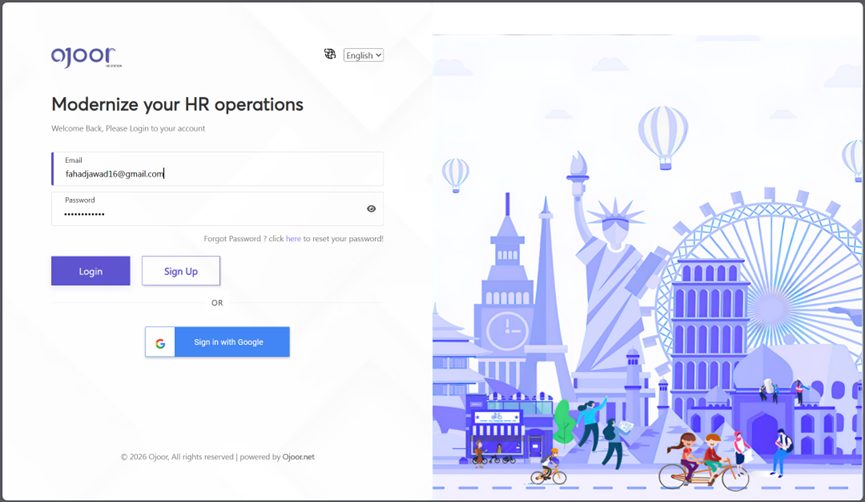
- Or, go to https://app.ojoor.net/#/login website Click on Login Enter your username and password, and click the Login button on Ojoor.
How to Logout from Ojoor?
Logging out from Ojoor is a quick and easy process. Here’s how you can do it:
Step 1: Locate the Profile Icon
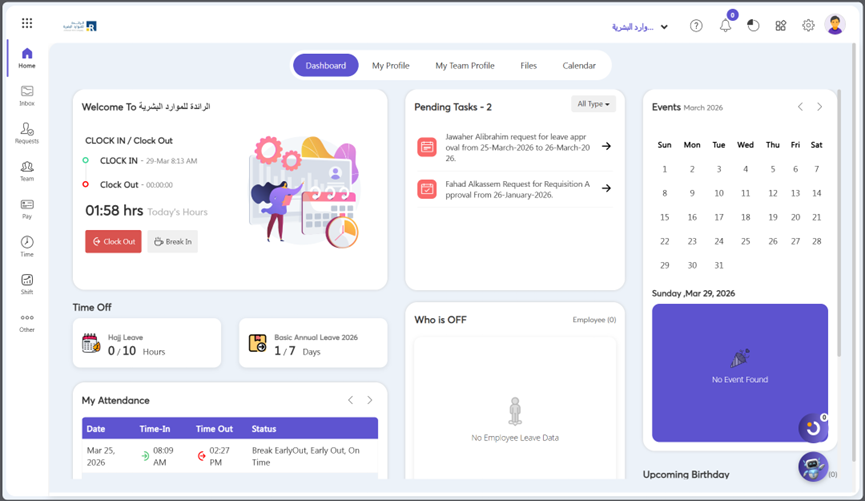
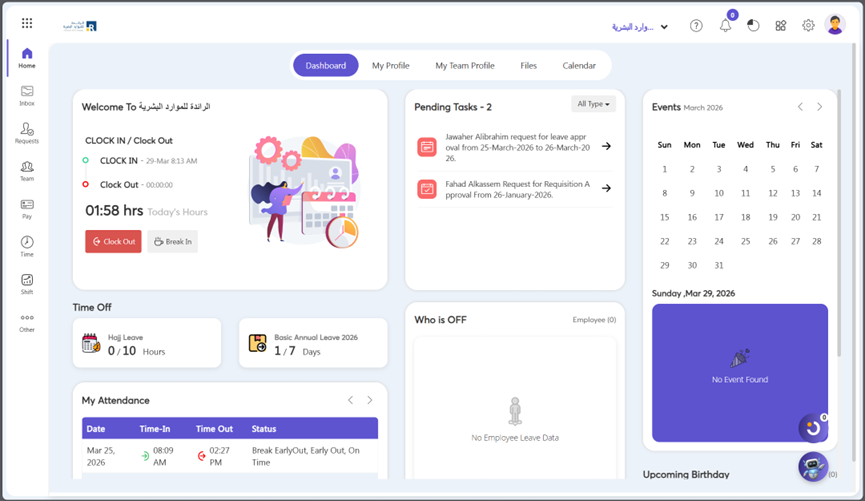
- The Profile icon is located at the top right corner of the Ojoor homepage. Click on it.
Step 2: Click on the Logout button
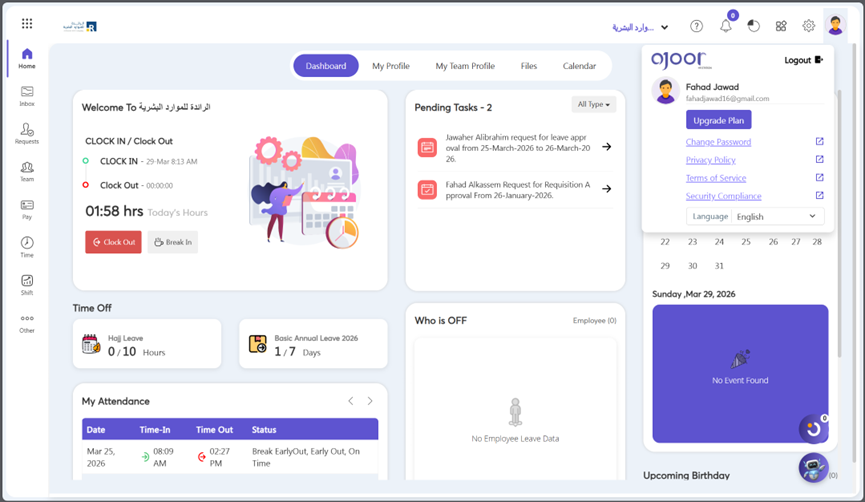
- After click profile icon this will open a drop-down menu with the option to Logout. Once you have located the Logout button, click on it. This will log you out of your Ojoor account.
How to Change a Password into Ojoor?
Step 1: Locate the Profile Icon
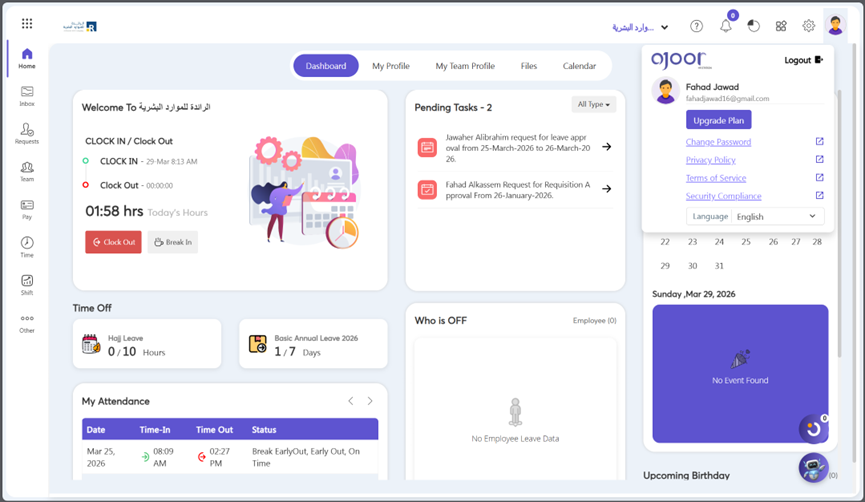
- The Profile icon is located at the top right corner of the Ojoor homepage. Click on it.
- The pop-up box on the right top side of the screen display options; click on the change password button in pop-up box.
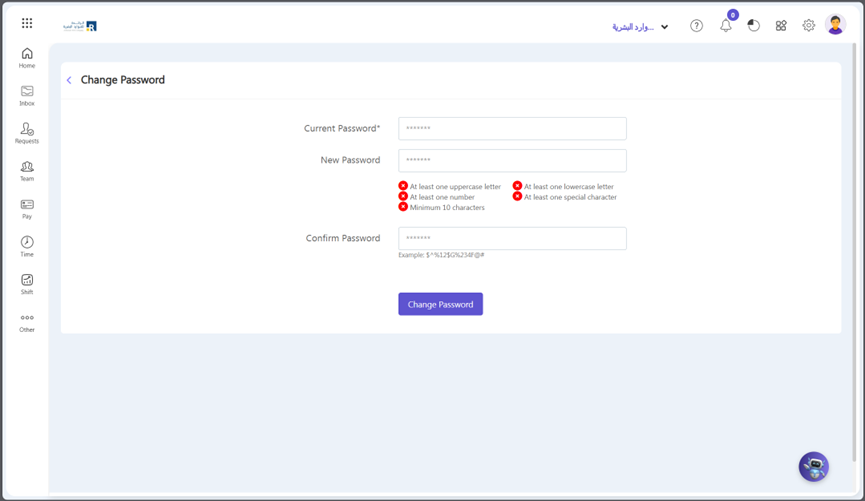
- Fill in the following fields and click on the Change Password button.